Controlled vocabularies
A vocabulary is a list of permitted values for a field: types of writing support, states of preservation, document typologies. The field becomes a drop-down list instead of free text.
It serves one purpose, but a decisive one: preventing the same concept from being written in five different ways, with the result that no filter ever gives the right count.
Creating and editing a vocabulary
From the vocabulary window (reachable from the command palette with Ctrl+K): list on the left, values on the right, in-place renaming.
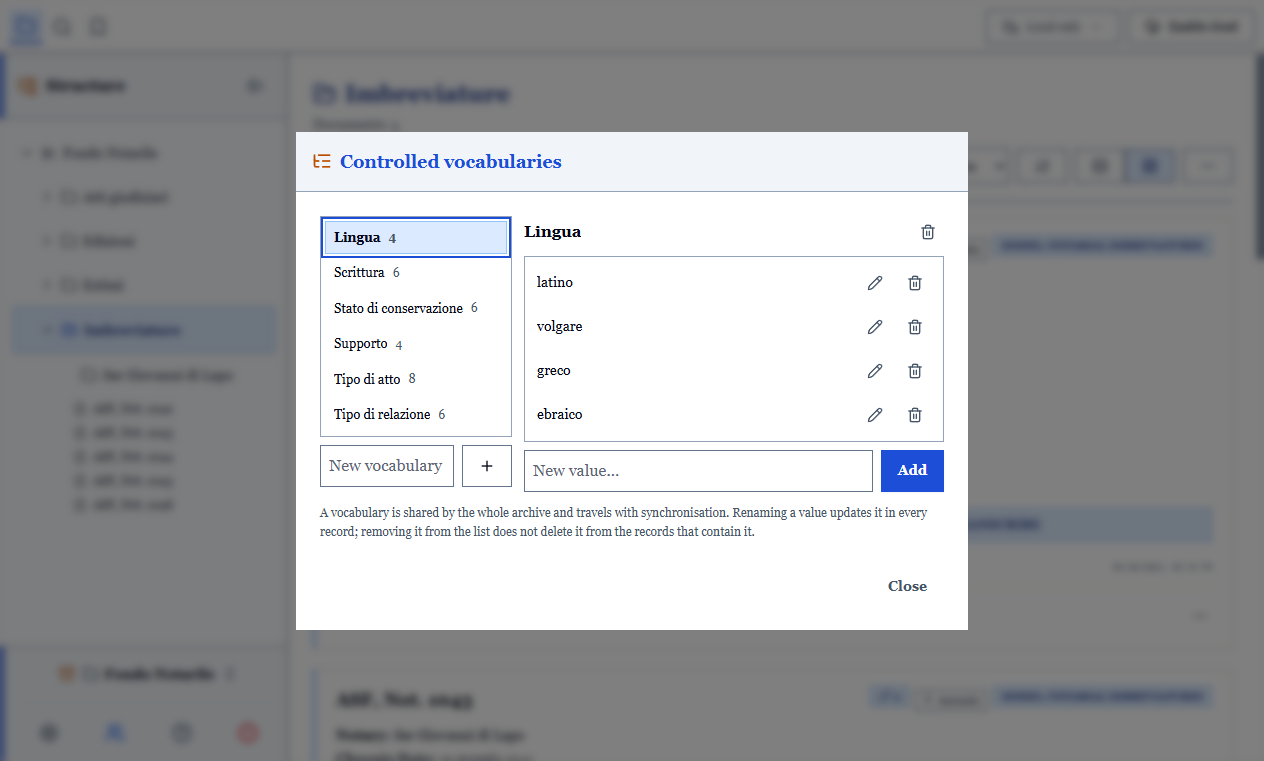
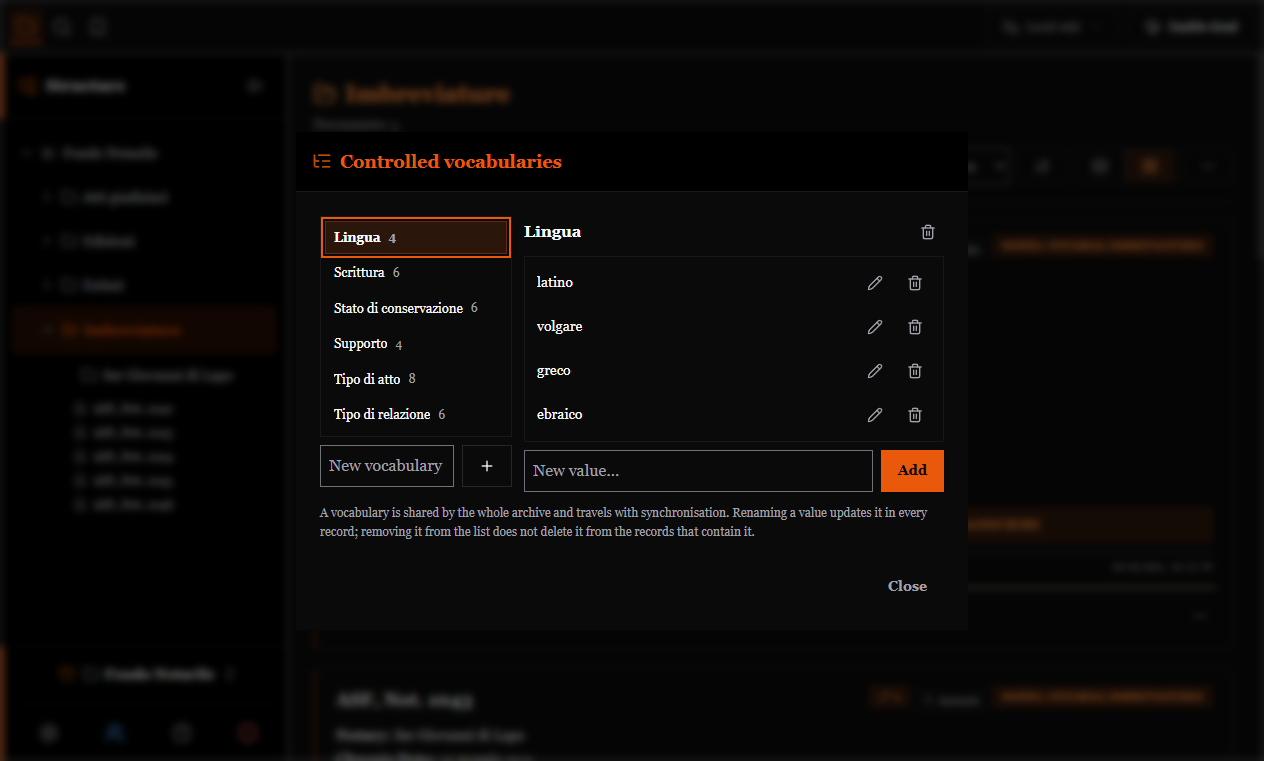
To bind a vocabulary to a field, use the field editor inside model management: the field becomes a list field and draws on that vocabulary.
Adding a value while cataloguing
There is no need to interrupt your work: a new value can be added on the fly from the drop-down list, and from then on it is available for every record.
This compromise is what makes vocabularies usable: a list that has to be closed in advance, before knowing what the fonds contains, would be bypassed within a few days.
Rules to know
- A value outside the list does not block saving. It happens when someone shortens the vocabulary after you have already catalogued: the record must remain saveable.
- Removing a value from the list does not delete it from the records that used it.
- Deleting a vocabulary frees the fields: its values are copied into the field, which becomes a standalone list again. Otherwise empty drop-down lists would remain, that is, fields that cannot be filled in.
- In a shared archive, values added by two people add up: nobody loses their own.
Repeated shelfmarks
The same area includes the check for duplicate shelfmarks: the list of records bearing the same shelfmark, grouped together.
A repeated shelfmark is flagged, not forbidden
A real fonds contains repeated shelfmarks from inventories that predate cataloguing. Refusing them would force the archivist to falsify the data just to be able to save. The program warns after saving and lets you decide.
A field can nevertheless be marked as unique in the model: in that case the duplicate is flagged every time, while remaining saveable. This is different from required, which does block.