Transcription
The Transcribe button on a record opens the dedicated environment: the image (or PDF) of the document on one side, the text editor on the other.
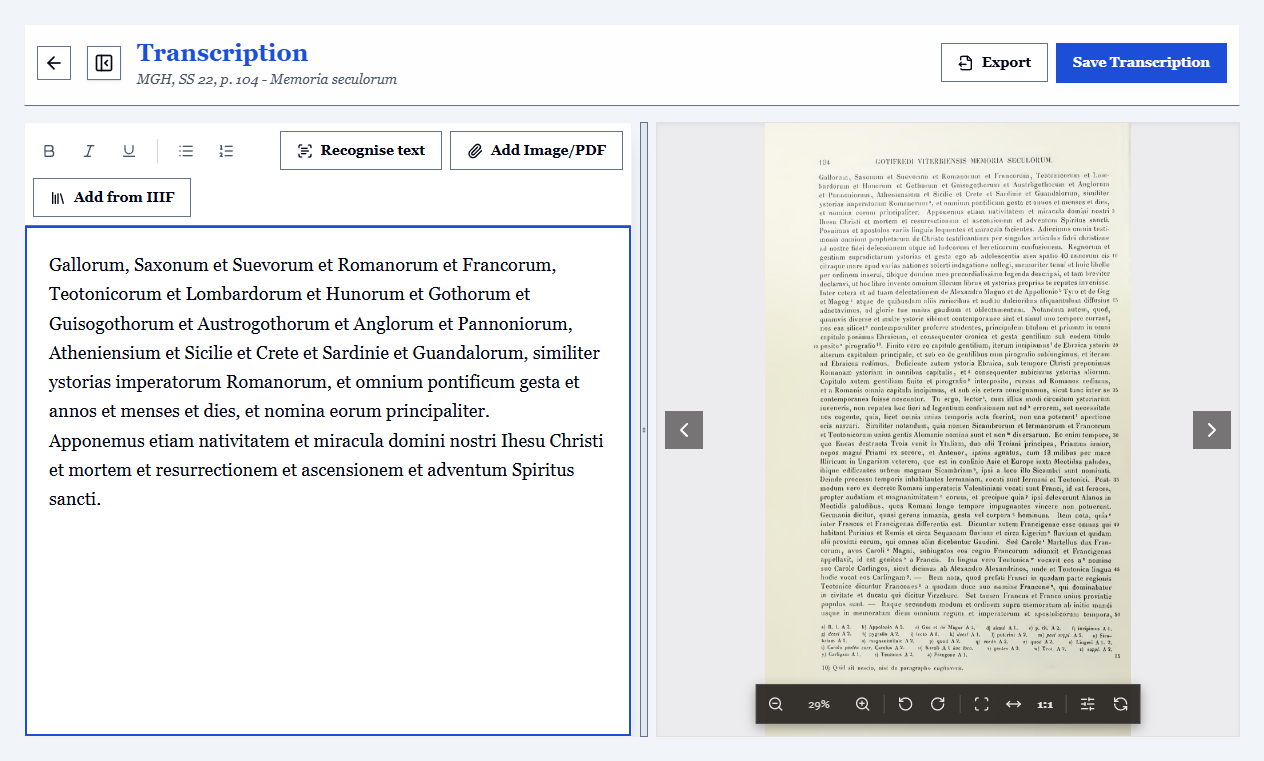
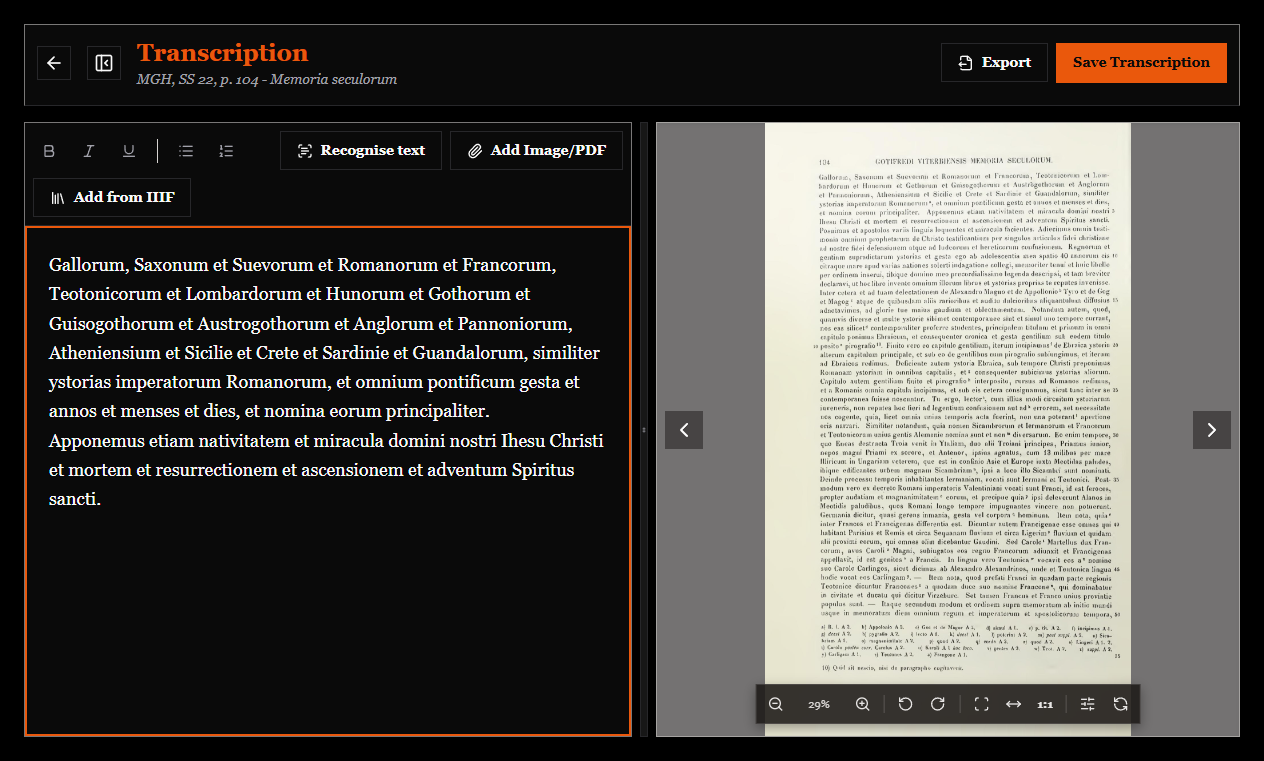
One transcription per folio
The text belongs to the folio you are looking at, not to the whole record: when you change attachment, the editor follows. At the top an indication such as "Folio 2 of 3" appears, with the file name.
Alt+← and Alt+→ move from one folio to the next, and each folio keeps its own text. What you have just written is stored before every change of folio: nothing is lost moving back and forth.
If the record has no attachments, you write a single transcription, as always.
PDFs, one page at a time
A PDF opens in the same viewer as images, with zoom, rotation and filters, and is browsed page by page: the arrows and the page number in the viewer bar, or Page Up and Page Down. After the last page you carry on to the next attachment.
The transcription is per page too: every page of the PDF has its own text, and the indication at the top tells you which page you are working on ("p. 3 of 12"). When the text leaves the program (printing, export), the pages are joined in order, each preceded by its [p. N] marker.
The Search the PDF field finds a word in the PDF's own text (if it has one) or in your transcription, and takes you to the right page. Even a facsimile of hundreds of pages opens at once: the file is read a piece at a time, not loaded whole.
The viewer
It has all the commands described in Attachments: zoom, panning, rotation, fit to page, and above all brightness, contrast and negative for difficult hands. Alt+F shows the attachment full screen.
The editor
It is a text editor: the toolbar offers the formatting needed to mark up the text where required. Save often with Ctrl+S: it is the most useful shortcut in the program.
The export button takes the text out of the program in five formats: see Exporting transcriptions and citations.
Transcribed text is searchable
Everything you write goes into the global search: looking for a formula or a name inside transcriptions works just like looking for it in the metadata.
The "has transcription" filter separates what is done from what is still to do in a single click.
Starting from an automatic draft
On later or printed scripts, OCR can produce a first draft to correct, with uncertain words already flagged. On a fourteenth-century notarial minuscule, it cannot: evaluate it on three or four sample folios first.
Recommended working method
- Records first, transcriptions later. Cataloguing a whole fonds in one pass (shelfmarks, dates, short summaries) gives you a searchable archive immediately; transcriptions are added over time.
- Use a tag for status:
to transcribe,partial transcription,to collate. Filtering by tag you always know what is missing. - Mark doubts with a consistent convention (for example
[?]): you will be able to find them all again with the search.