Commands and shortcuts
The shortcut to learn first
Ctrl+K opens the command list: from a single text box you reach a record, an archive, a new record of a specific type, or any other action in the program.
You do not need to remember where a feature lives: type what you want to do. It also works with synonyms: "backup" finds export, "excel" finds CSV import.
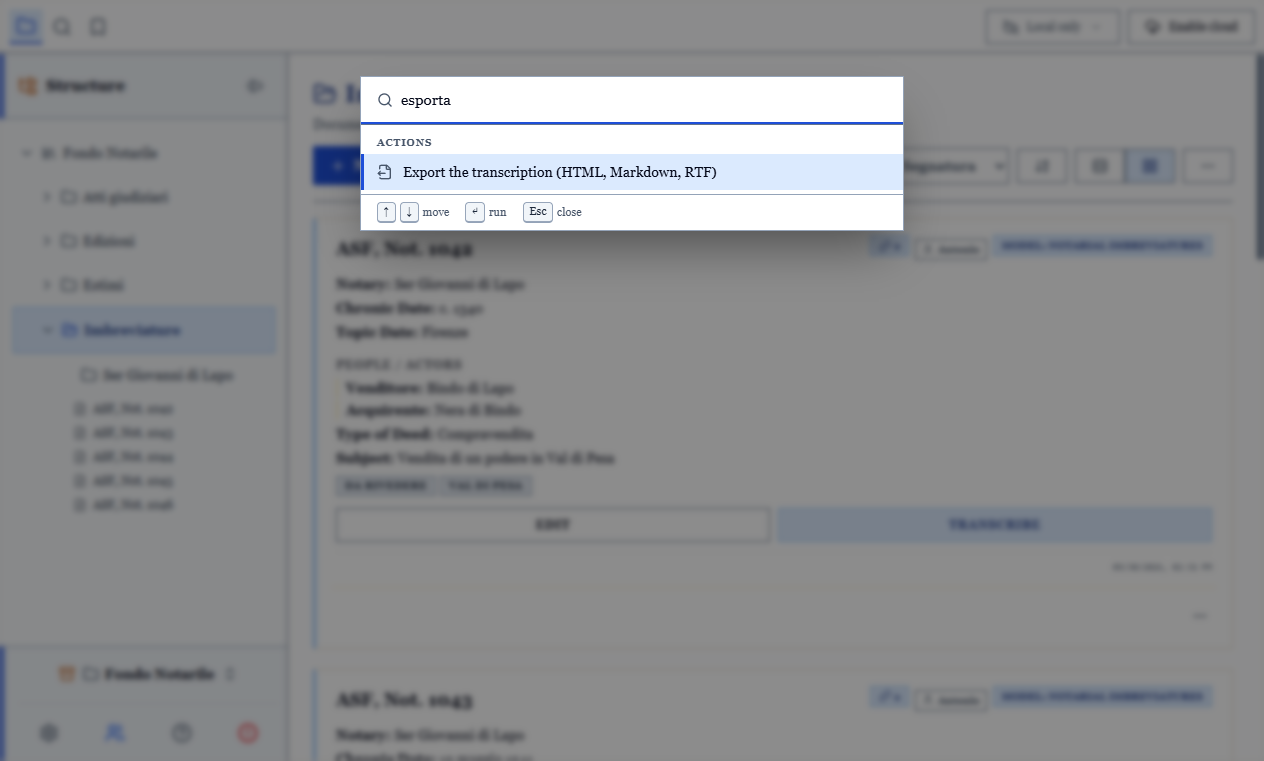
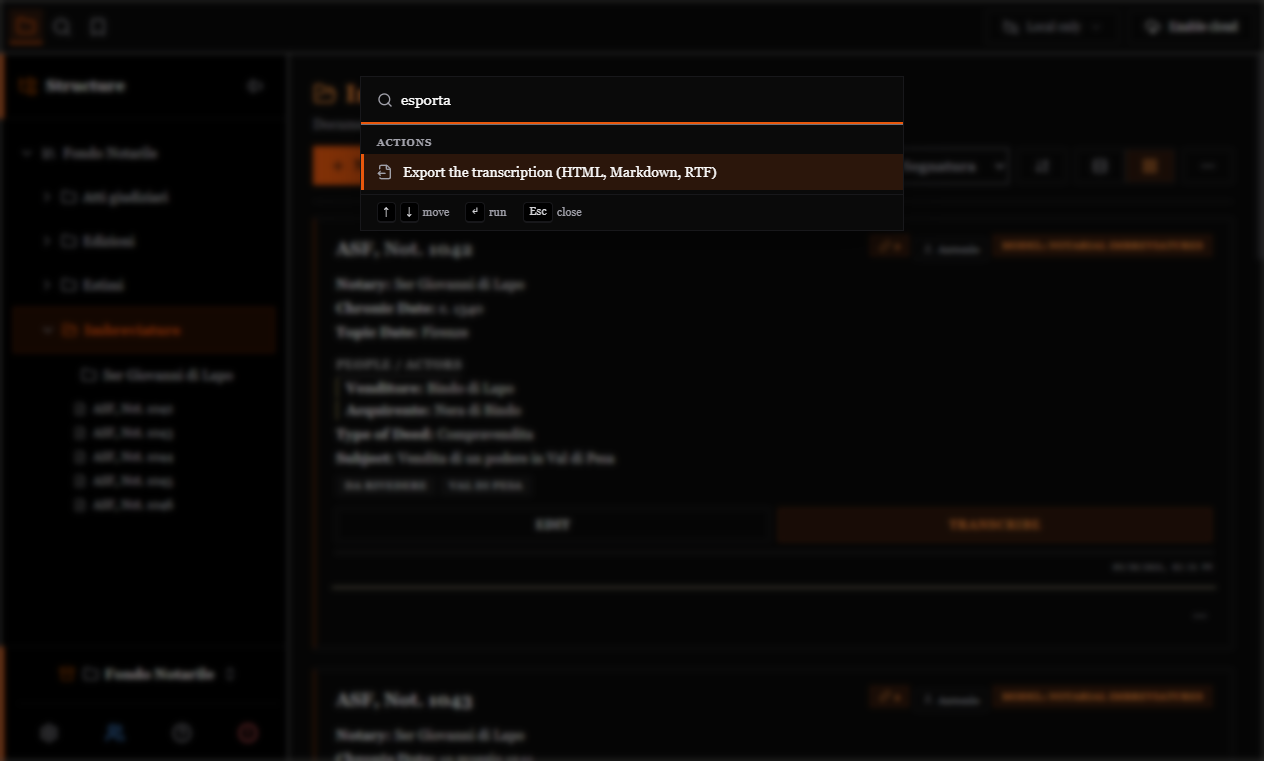
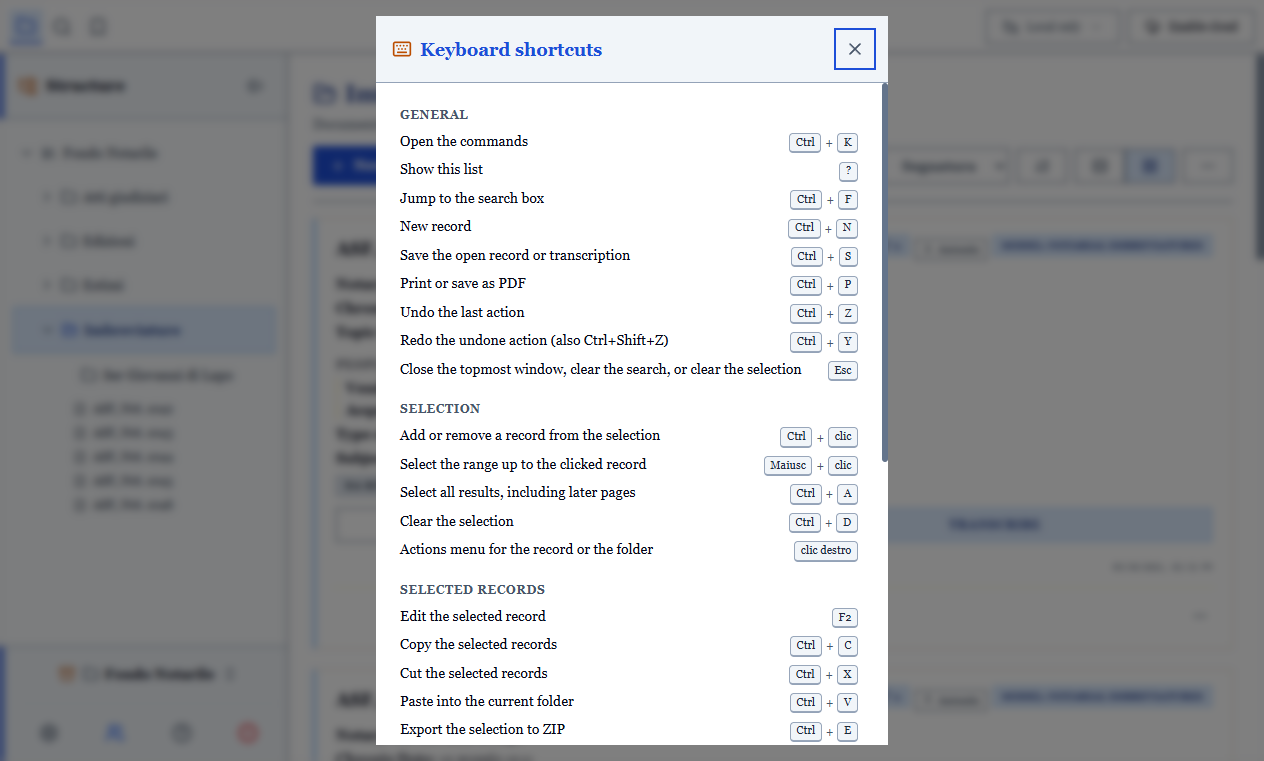
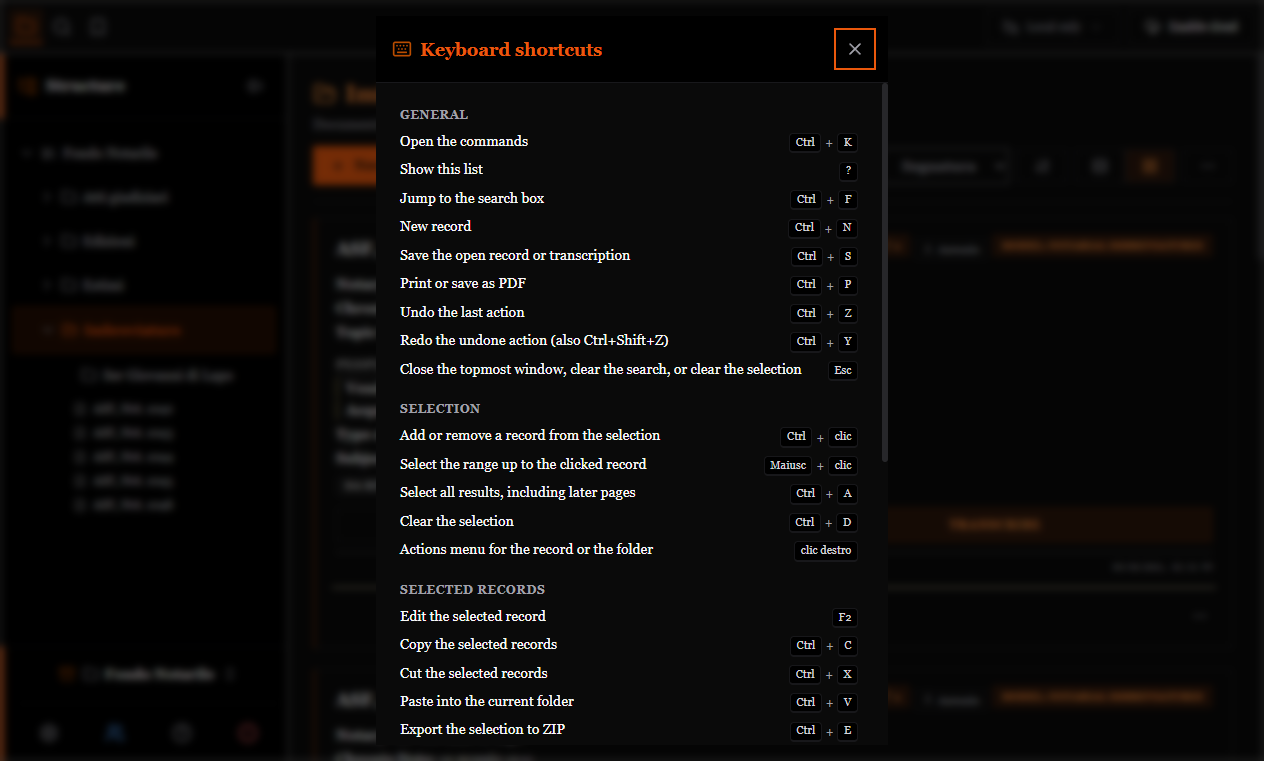
The ? key shows the complete, up-to-date list of shortcuts for your version. Both are also reachable from the "⋯" menu above the list.
TIP
When you use a command from the right-click menu, its shortcut is written next to the entry. It is the most painless way to learn them: one at a time, while you work.
General
| Shortcut | Effect |
|---|---|
Ctrl+K | Open the commands |
? | Show the list of shortcuts |
Ctrl+F | Go to search |
Ctrl+N | New record |
Ctrl+S | Save the open record or transcription |
Ctrl+P | Print or save as PDF |
Ctrl+Z | Undo the last action |
Ctrl+Y | Redo the undone action (also Ctrl+Shift+Z) |
Esc | Close the window in front, clear the search or reset the selection |
Selection
| Shortcut | Effect |
|---|---|
Ctrl+click | Add or remove a record from the selection |
Shift+click | Select the range up to the clicked record |
Ctrl+A | Select every result, including following pages |
Ctrl+D | Clear the selection |
| right click | Menu of actions on the record or folder |
On selected records
| Shortcut | Effect |
|---|---|
F2 | Edit the selected record |
Ctrl+C / Ctrl+X / Ctrl+V | Copy / cut / paste into the current archive |
Ctrl+E | Export the selection as ZIP |
Ctrl+Shift+E | Export the selection as CSV |
Del | Delete the selected records |
Ctrl+Shift+M | Move the selection to an archive |
Ctrl+Shift+T | Change the document type of the selection |
Ctrl+Shift+L | Add or remove tags on the selection |
Ctrl+H | Find and replace in a field of the selection |
These are inactive while you are typing in a text field and while a window is open.
Transcription
| Shortcut | Effect |
|---|---|
Alt+← / Alt+→ | Previous / next attachment |
Alt+F | Attachment full screen |
Image viewer
| Shortcut | Effect |
|---|---|
+ / − | Zoom in or out |
0 | Fit to page |
1 | Actual size (1:1) |
R | Rotate by 90° (with Shift: the other way) |
← → ↑ ↓ | Move the image |