Tags
Tags are free labels that group records across folders and models: a single record can carry as many as you like.
When a tag is useful
When it answers a working question that the fields cannot express:
| Good tags | Bad tags |
|---|---|
to review, damaged, unreadable photo | the notary's name (it is already a field) |
thesis ch. 3, Zanetti article | the shelfmark (it is already a field) |
matrimonial cases, dowry deeds | 1340 (that is the date) |
Rule of thumb: if the information already has a field of its own, do not also make it a tag. Search finds it anyway, and the duplicate would have to be kept up to date in two places.
Adding and removing
From the record form, and on many records at once from the right-click menu (see Working on several records) or with Ctrl+Shift+L.
Filtering by tag
Left panel, bookmark icon: the list of every label in use, each with its number of records. One click filters the archive.
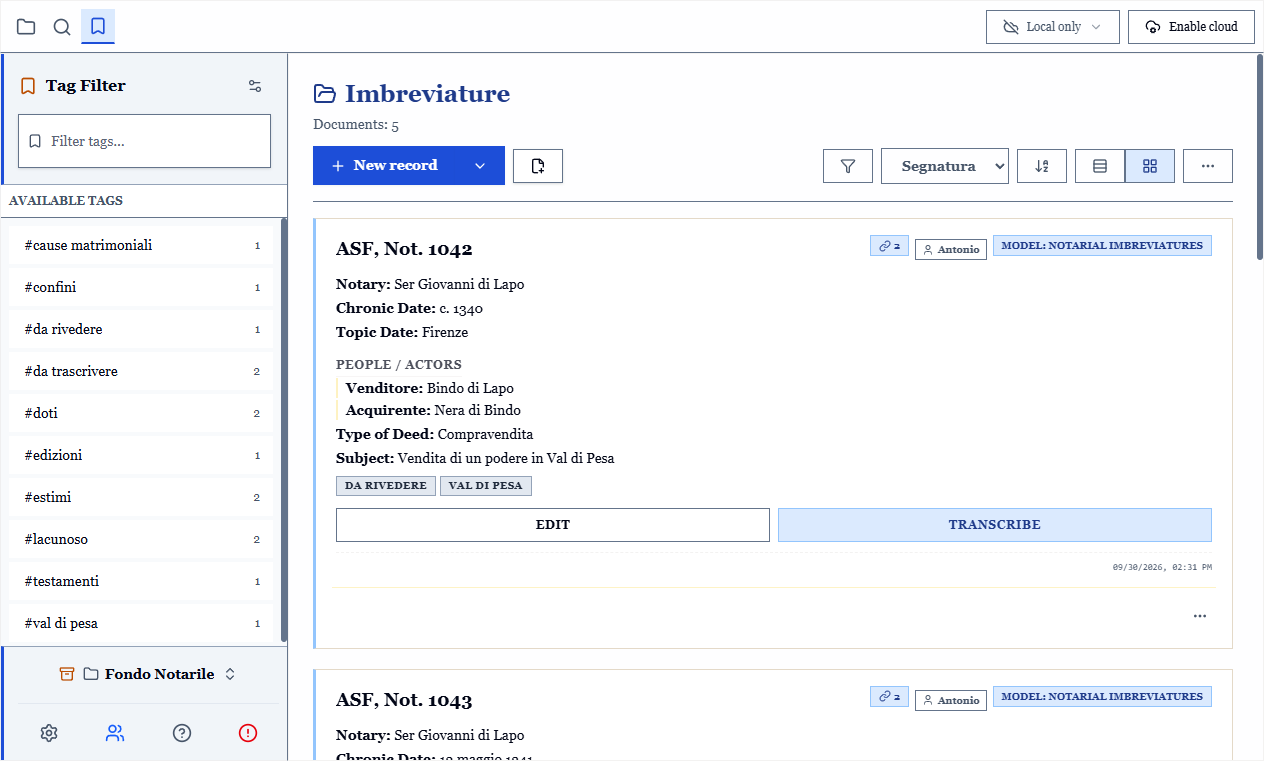
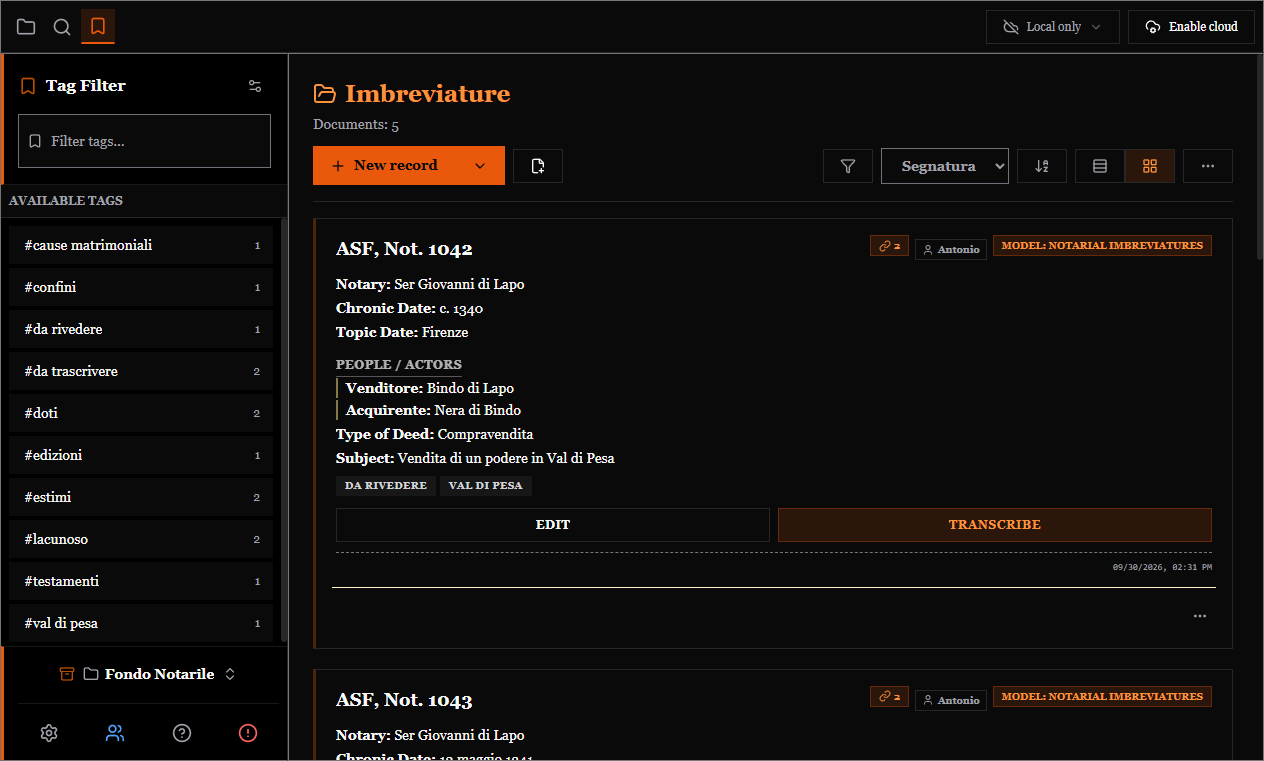
Matching is exact: the tag sec. XIV does not select records tagged sec. XIV in., and the tag not does not select those tagged notaio. This is what makes hierarchical vocabularies reliable, where tags necessarily share a prefix.
Tag management
From the tag panel, the management button opens the window where you put things in order. That is where tags stay useful instead of multiplying:
- Rename a tag: the change propagates to every record that carries it.
- Merge two tags:
not.intonotaio, without leaving duplicates. - Assign a colour: colours are names (amber, red, green…), not fixed shades, so they stay readable in the dark theme too.
- Delete a tag from the whole archive.
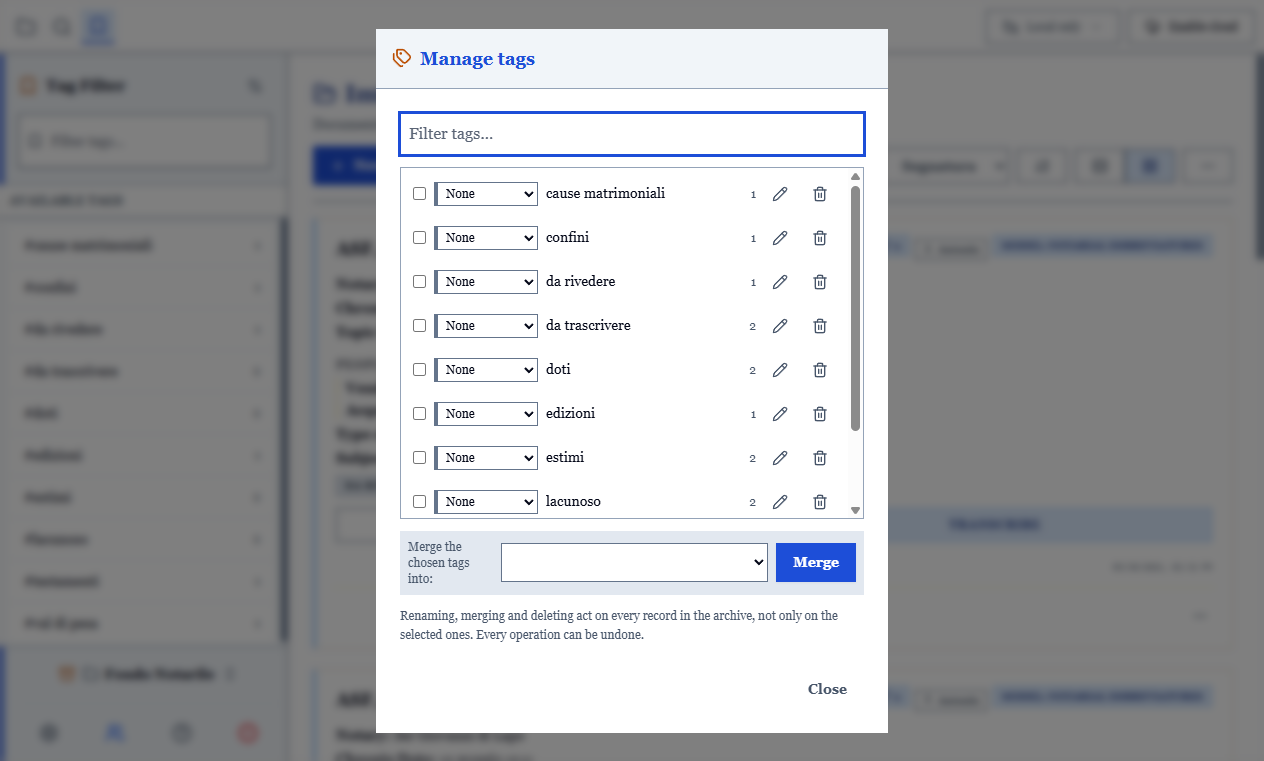
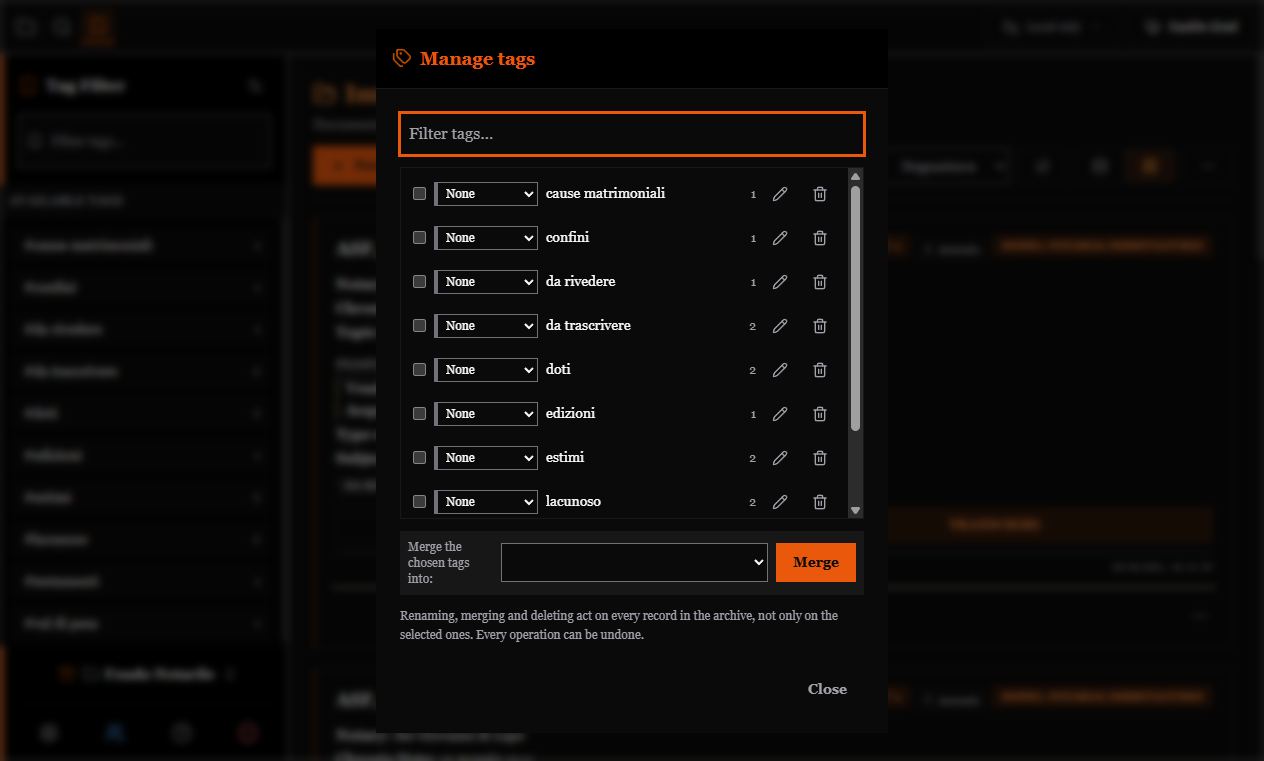
Every operation can be undone with Ctrl+Z, and if you are filtering by a tag you rename or merge, the active filter follows it instead of emptying the grid.
TIP
Assigning a colour does not make records look "modified" to colleagues in a shared archive: the tag registry travels separately.
When to tidy up
After the first fifty records, and then at the end of every project. The typical drift is notaio / Notaio / not. / notarile: three minutes in tag management unify them, whereas letting them diverge means no filter will ever give the right count.